




explore together

A calmer, private web for your family

Kid-friendly browsing, time limits and private family sharing.
Encrypted on your device
End-to-end encryption so not even we can see your personal data when you choose to keep your key private.
No ads
Kindredly shows no ads, on any plan.
Free Standard plan
Free for up to 5 people.
Open-source server
It's open source, so you can run Kindredly on your own server.

Technology should serve life, not consume it.

Much of today's web is built to capture attention, with addictive apps, endless scrolling and ads. Kindredly is your family's private start page for the web, with tools to cut distractions, collect and share meaningful content, and encourage time away from screens.

Explore
Give your family a place they can roam with less noise. We have great curated content to get you started.
Meaningful sharing
Share things you care about with your family and close friends.
Fewer distractions
Hide comments, Shorts and recommendations on big sites.
Less time for junk
Time limits give learning more room than entertainment and junk.

Your child's view

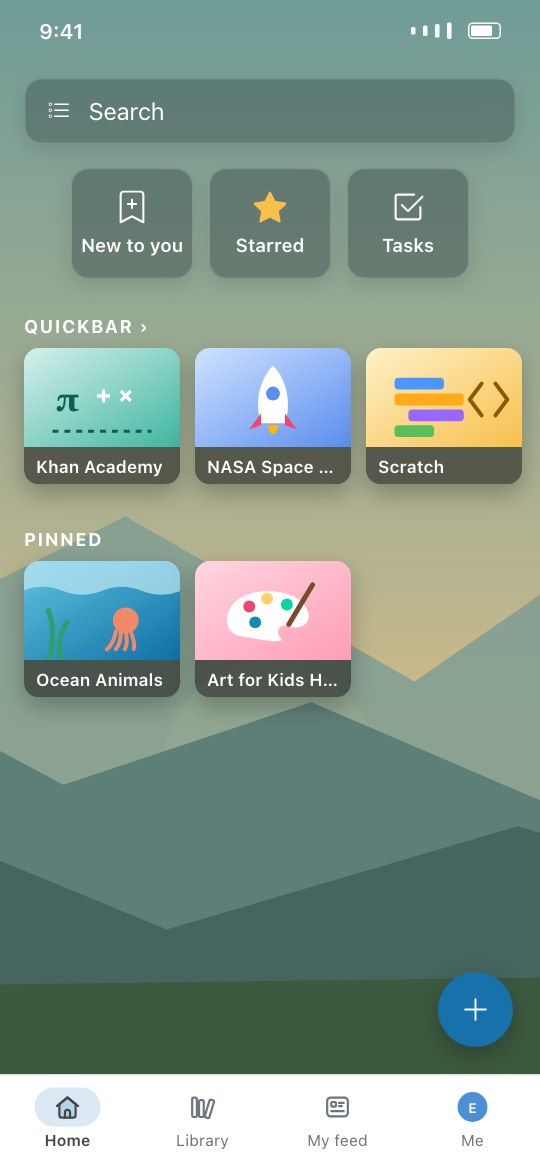
Your child opens Kindredly to their own Home, in the browser on a computer or in the app on a phone.
Search what you've added
They find the websites and videos you approved, and open them.
Share with the family
They can send something they found to the people they choose.
Other websites are blocked
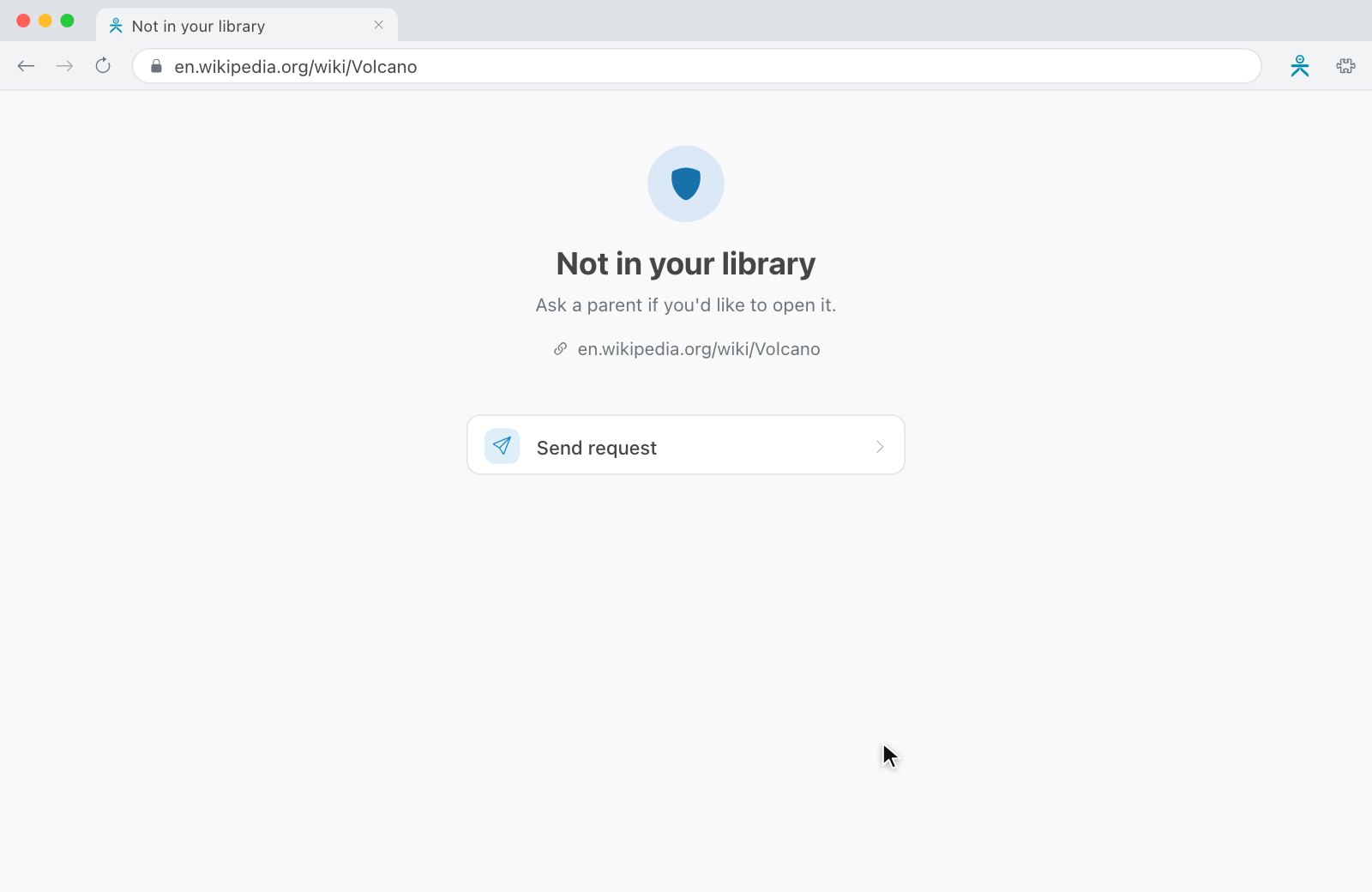
With Library Mode on, a website that isn't in their library won't open.
YouTube without distractions
Only the video. Comments, Shorts and recommended videos are hidden.

Explore and learn safely

Explore
Hand-picked content for kids, from great STEM topics to art and music.
YouTube without distractions
Your child watches the videos you allow, without comments, Shorts or recommendations.
Resources you can trust
Khan AcademyKurzgesagt – In a NutshellWikipediaCrash CourseVeritasiumPBSNational Geographic
Explore curated content
Explore
Great STEM topics, ready to explore
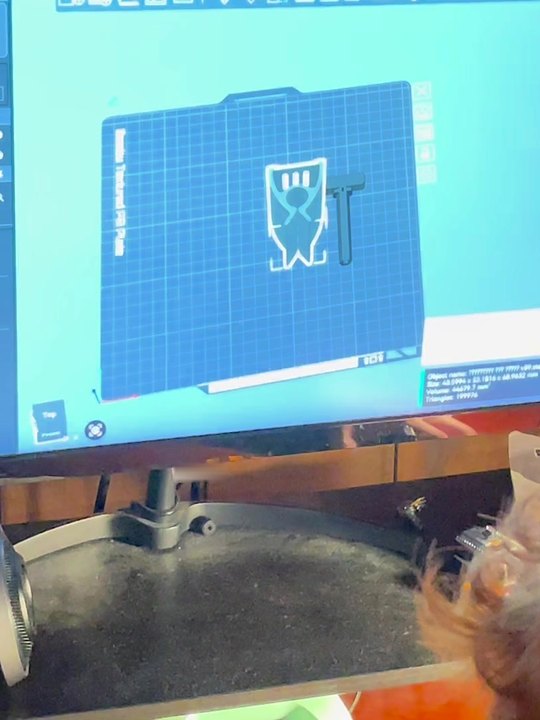
Design a 3D print
Video · In Noah's library
Explore
Art and music to learn from
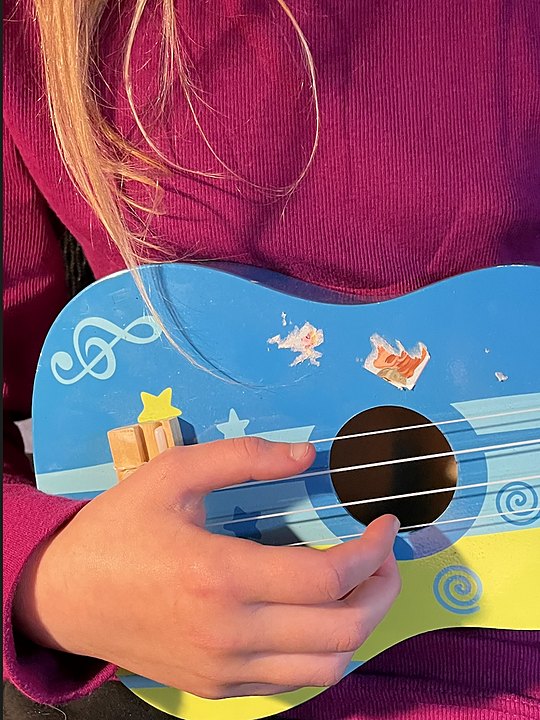
Ukulele chords for beginners
Video · In Emma's library
See it work
YouTube without distractions

Safer browsing as they grow

Blocks inappropriate images and content
Sites, pages and images that aren't right for kids are blocked.
Works well for older kids too
When your kids are ready, you can disable library mode so they can roam more freely while still blocking inappropriate content and managing their content type limits.
Image hidden
Not appropriate for kids

Set limits that fit your family

Library Mode
Kids see only the sites and videos you've approved or shared.
AI auto approval Optional
When your child asks for something new, AI can approve it if it's educational and fits your guidelines.
Time limits
Give learning more time than entertainment, and encourage healthier habits and time away from screens.
Usage reports
See how they spend their time and what they visit. They are encrypted so only you can access these reports.
Educational · 35 min left today
Entertainment · 10 of 10 min available

Collect and share privately

Library and collections
Save links, videos and notes in collections, like garden plans or family recipes, and share them with your family.
Private posts
Share photos and updates with your family only.
Family near and far
Share posts with grandparents, and kids keep a Showcase of the artwork and projects they're proud of.
Emma shared a post
Shared with Family · just now

Share in seconds

Share a video or website from any app on your phone, or from the Kindredly button in your browser.

  1. Tap Share, then Kindredly
  2. Pick who sees it
  3. Ready in their library

All in one app

Videos
YouTube without distractions
Podcasts
Play podcasts and saved audio
Books
E-books that keep your place
Subscriptions
Follow blogs, news and channels
Apps
Your apps and shortcuts on Home
Read Later
Save things to get to later

Your family’s data belongs to your family.

End-to-end encrypted
Your library, posts and activity are encrypted before they’re saved. Keep your key private and not even we can read them.
You choose who sees what
Collections and posts are shared only with the people you pick.
No account needed
Device-only mode keeps everything on this device.
No tracking
No ads and no third-party analytics.
See exactly who can see what
How Kindredly works
Video · Kindredly
A public benefit corporation
ThetaSet, PBC
Started by two parents
For their own kids first
Privacy, well-being and agency
Our public benefit purpose

The internet our kids deserve

Kids shouldn't be the target of ads, inappropriate content or constant distractions. We built Kindredly to give them a better place to start.

Learn about our mission

Start free. Upgrade to Plus for more.

Standard
Free forever
  • Kid Mode for web browsers
  • Ad free
  • Up to 5 users in the same account
Get Started
Plus
$5 a month, or $49 a year
  • Everything in Standard
  • Up to 10 users in the same account
  • High-capacity library and storage
See plans

It's never too late to help your kids build good digital habits.

Get started with Kindredly. It’s free.